 Minform
Webhooks
Webhooks allow you to send form submission data to an external URL in real time. When someone submits a form, Minform will send the data to your specified webhook endpoint. Here’s how it works:
- A user submits a form.
- Minform sends the form data in
JSONformat as aPOSTrequest to your URL. - Your server processes the request and responds accordingly.
- You can optionally secure your webhook using a signing secret.
- Failed webhook requests are retried automatically.
1. Link your form to webhook
To connect a webhook to your form:
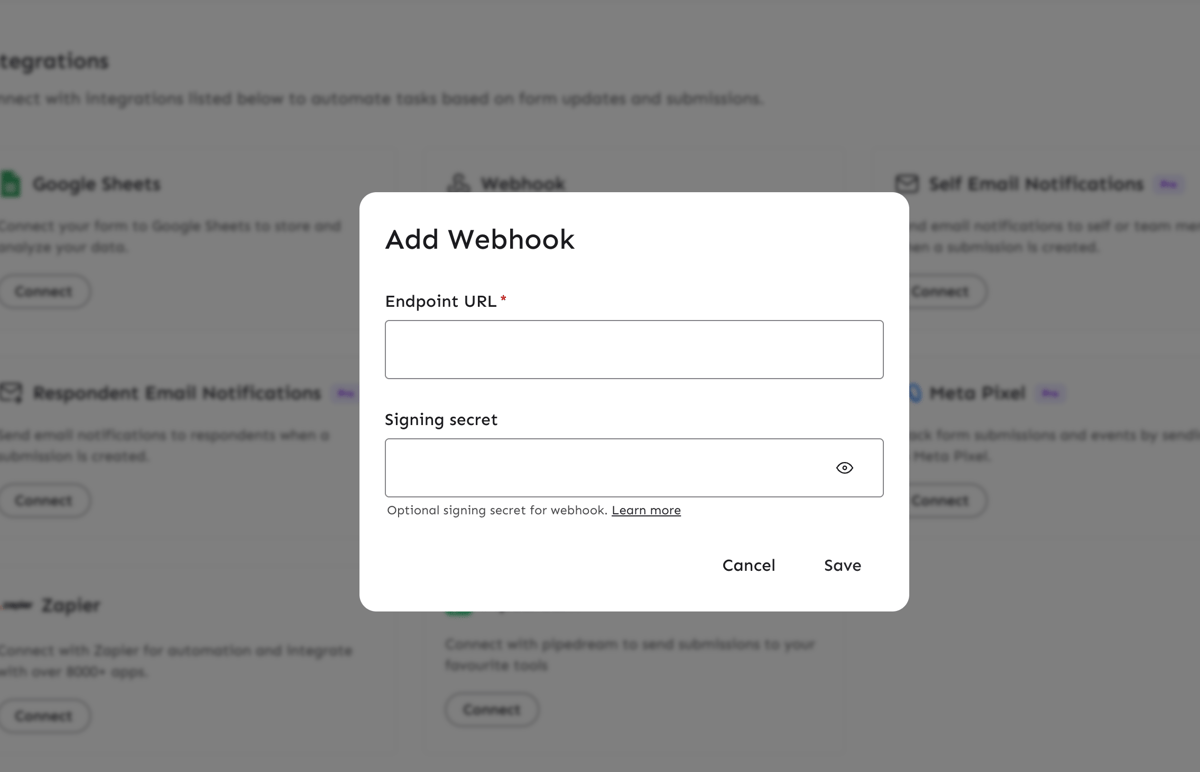
- Go to integration page and click on Connect on webhook.
- Enter your webhook URL where you want to receive form submissions.
2. Secure your Webhook with Signing Secret (Optional)
To ensure secure communication between Minform and your webhook, you can add a signing secret:
- In the Webhooks settings, enter your own secret key.
- Minform will send a
Minform-Signatureheader with each request. - On your server, verify the signature to ensure the request is authentic.
How to Verify the Signature
Minform signs the payload using HMAC SHA-256. To verify it:
- Retrieve the
Minform-Signatureheader from the request. - Compute a hash of the request payload using your secret key with the following method:
This is how you can verify secret via node.js
app.post('/webhook', (req, res) => {
  // 1. Get signature from header
  const signature = req.headers['minform-signature'];

  // 2. Get your webhook secret
  const webhookSecret = process.env.WEBHOOK_SECRET;

  // 3. Compute expected signature
  const expectedSignature = crypto
    .createHmac('sha256', webhookSecret)
    .update(req.rawBody)
    .digest('hex');

  // 4. Verify webhook with secure comparison
  if (!signature || !crypto.timingSafeEqual(
    Buffer.from(signature),
    Buffer.from(expectedSignature)
  )) {
    return res.status(400).send('Invalid signature');
  }

  // Process webhook payload
  const data = req.body;

  res.status(200).send('Webhook received');
});
Also Check out this github reference on how to verify signature: https://docs.github.com/en/webhooks/using-webhooks/validating-webhook-deliveries
3. Request Retry and Fails
If your webhook fails to respond successfully, Minform will retry the request multiple times at increasing intervals. If all retries fail, the webhook request will be marked as failed.
4. Check webhook logs
To debug webhook requests:
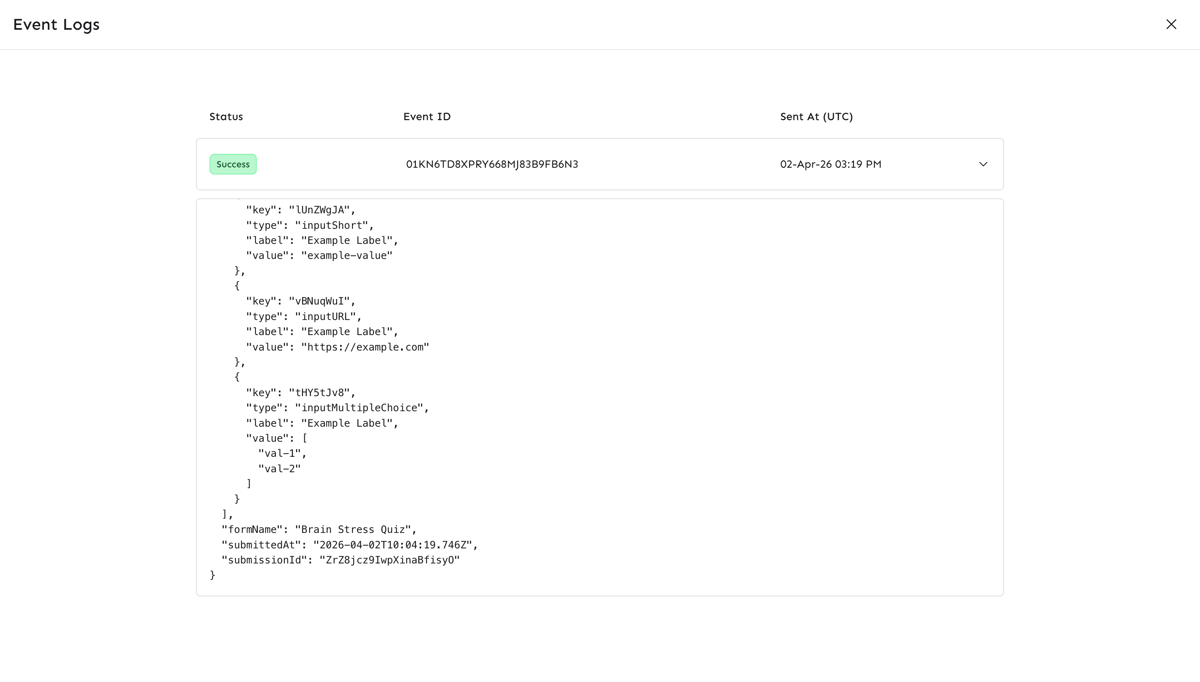
- Click on View Logs button which will open a fullscreen page.

There you can check failed/success requests. You can also retry the request manually using the retry button next to log status cell.
You can also temporarily disable webhook via enable/disable toggle.